


Camera first, every time
Open Kihya and start framing. There is no promotional onboarding, feed or ad break—only the scene in front of you.
Give lunch, late-night walks and ordinary days the color you want to remember. Nine live filters designed in Korea, natural on-device portrait retouching and Level Shot are ready when you want them—with no feed, sign-up or ads between you and the shot.
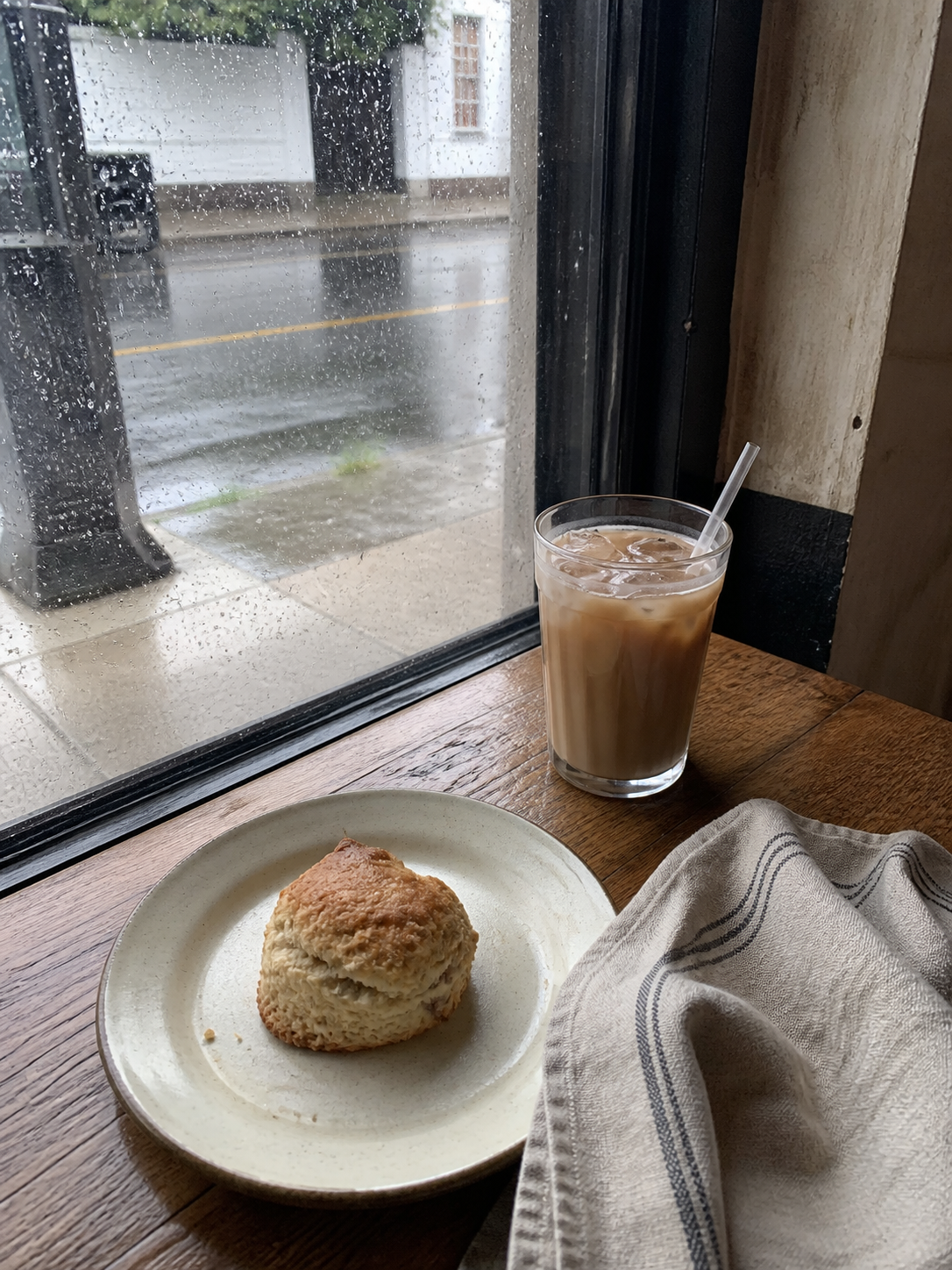
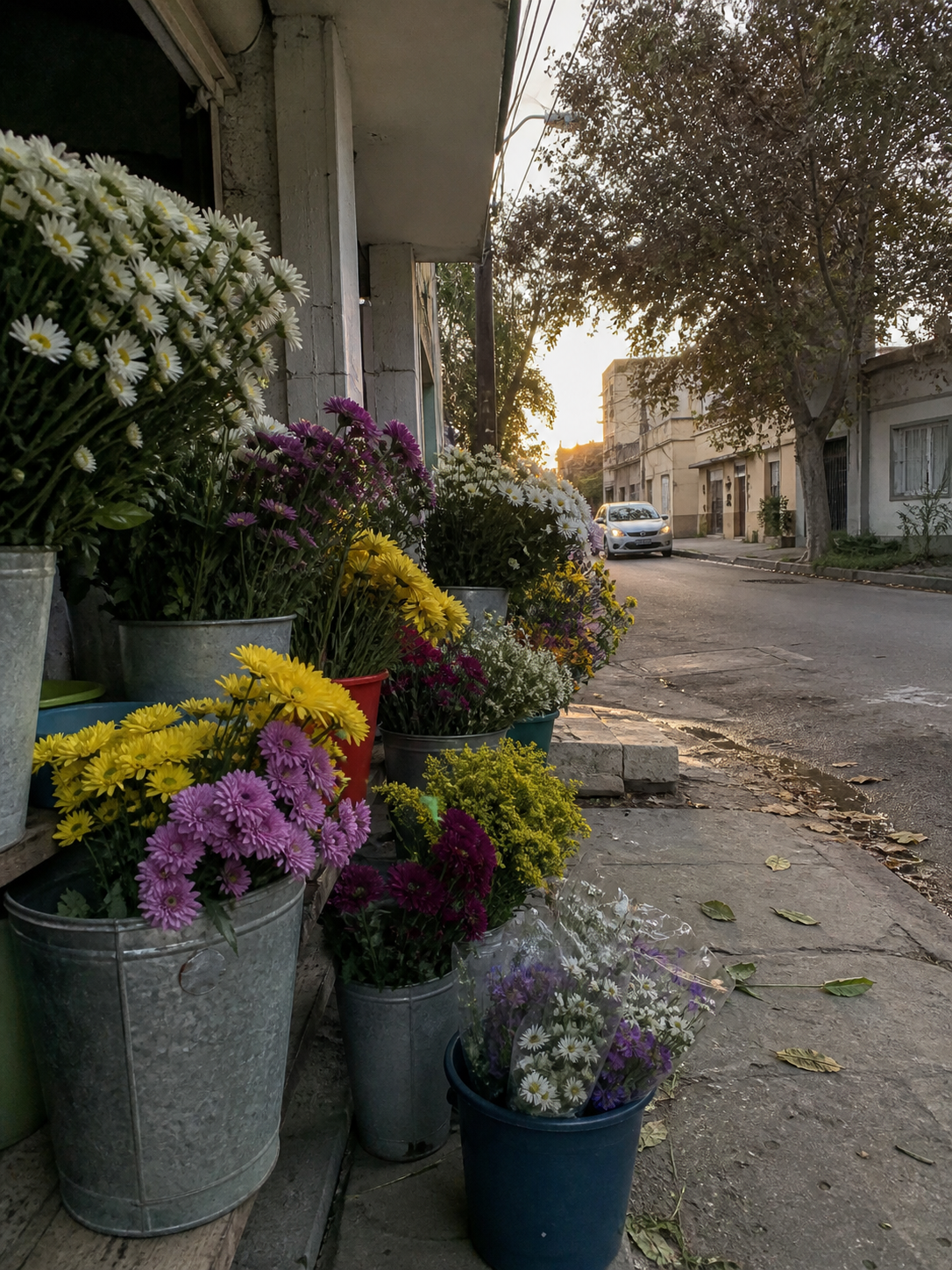

Good moments rarely hold still. Kihya opens to the viewfinder, keeps familiar controls close and gets out of the way, so taking the photo feels as natural as noticing it.
Open Kihya and start framing. There is no promotional onboarding, feed or ad break—only the scene in front of you.
See all 9 looks before you shoot. Swipe to find a favorite, open the filter rail to browse or hold Compare for a quick look at the original.
The controls sit where your fingers expect them, and saving carries on in the background when you want to keep shooting. Photos and video stay in one easy rhythm.
No fiddly setup and no heavy-handed finish. Kihya quietly helps with the details, so you can stay with the moment.
A Korean-style portrait finish gently smooths skin and facial contours while keeping you looking like you. The recommended Natural setting starts at a carefully chosen strength; Original and Radiant are there when you want a different finish.
Available only for photos you take with Kihya Camera, not photos already in your library.
Turn on Level Shot and press the shutter. Kihya watches the phone’s tilt and takes the photo when the frame settles level—great for horizons, tables and everyday scenes that feel better when they are straight.
It never leaves you waiting: the shutter always fires within five seconds.
Makgeolli Haze, Golden Cheongju and Green Soju are part of a small, memorable set made for food, everyday scenes, travel and low light. Find a favorite now, and another one tomorrow.
Soft everyday balance
Bright, clear golden tone
Soft analog warmth
Cinematic city contrast
Clear, transparent tone
Gentle golden-hour warmth
Dreamy blue atmosphere
Muted green film mood
Deep monochrome
Choose the frame before the shot, then add the last little touch afterwards. What you see in the viewfinder is what you keep.
Tap to focus, choose a lens and frame it in 3:4, 4:5, 1:1 or 9:16. Photos and video remember their own ratio, just the way you set them.
Try another filter, compare the original, brighten a touch, rotate or crop. Save a new copy when it feels just right.
Photos and videos live together in the gallery. Add a heart to the ones you love, check the details and share them whenever you are ready.
The website is available in English, Korean, Japanese and Simplified Chinese. The app can follow your phone language or use the one you choose.

Kihya Memo is a simple place for the story behind the photo. Write without an account and keep your notes as ordinary Markdown or text files.
What Kihya means
“Kihya~” is a Korean sound that slips out when something tastes just right. Kihya Camera aims for the same reaction: open fast, keep the controls clear, and make the result feel instantly satisfying.
Filters, watermarks, portrait retouching and face analysis all happen on your device. Your photos and face data are never sent to Kihya or a third party, and there are no ads. Firebase/GA4 product analytics excludes media and advertising identifiers and is not used for advertising or cross-app or cross-website tracking.
Read the full privacy policyrequired Kihya accounts
ads in the app
photo and video processing
Kihya Camera is now available on the App Store and Google Play. Bring K‑style color, natural portraits and straighter shots to whatever today looks like.